What is a Funnel?
min read - Updated on Nov 12, 2026A Funnel is the set of custom AI models your Spaces classify every piece of feedback with: one classifier or Dimension of each kind, a structure (single-label or multi-label) and the language Kimola writes its analyses in. Every Space picks one Funnel, so call center conversations, social media posts and survey answers get the same labels and their results can be compared side by side.
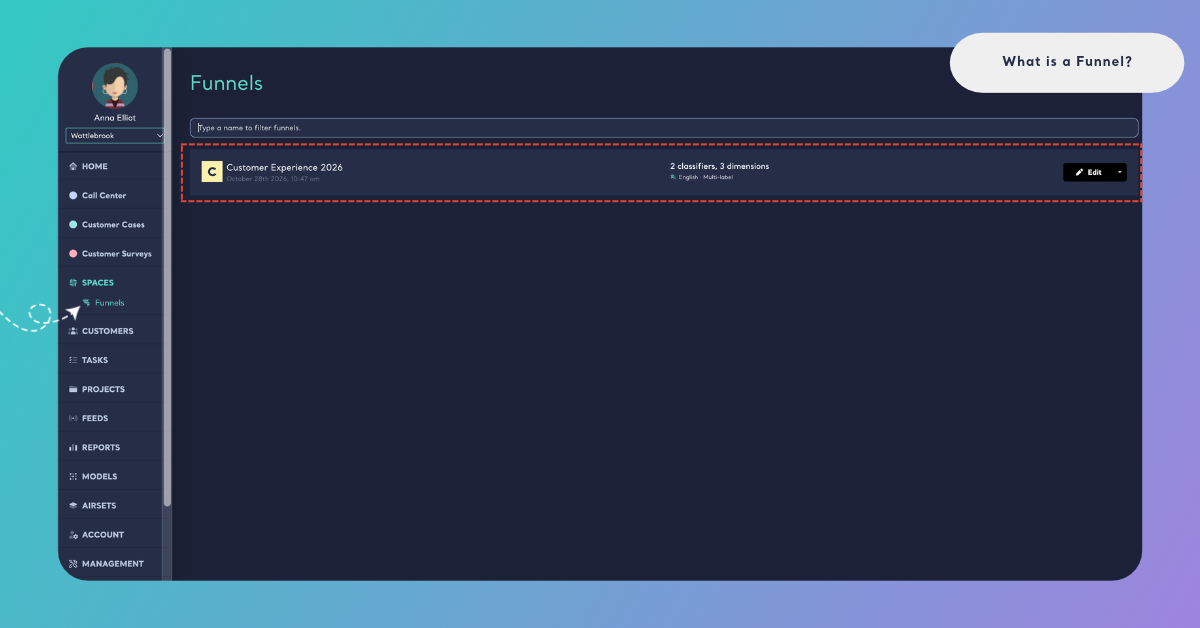
You find Funnels under Spaces in the main menu. A Funnel has to exist before you can create a Space, because the Funnel decides how every file of the Space is classified. See Create a Funnel.
To access Funnels, sign in to your Kimola account with the Enterprise package or to your organization’s Kimola On-Premises installation.
Why Funnels Matter
The feedback of one organization arrives through many channels: the call center, surveys, app reviews, social media. When each channel is analyzed with its own models, each gets its own list of themes. One analysis says "Billing", another says "Invoices and Payments", and nobody can tell whether a problem is bigger in the call center or on social media, because the numbers don't count the same thing.
A Funnel closes that gap. Every Space that uses it classifies every record with the same content classifier, the same sentiment classifier and the same Dimensions. A theme means the same thing in every channel and in every file, so results compare side by side across Spaces and over time, and every team talks about the same thing in the same words. The Funnels page puts it in one line: "One language for all your feedback".
The models of a Funnel are your own custom models, so its labels are your organization's own taxonomy: the products, processes and problems your teams already name, in place of a generic list. This is the common insight language that the teams of an organization work from in Kimola.
What a Funnel Contains
You build a Funnel in three steps: Models, Structure and Naming. Together they decide which models classify the feedback, whether one piece of feedback can get several labels, what the Funnel is called and which language Kimola writes in.
Models
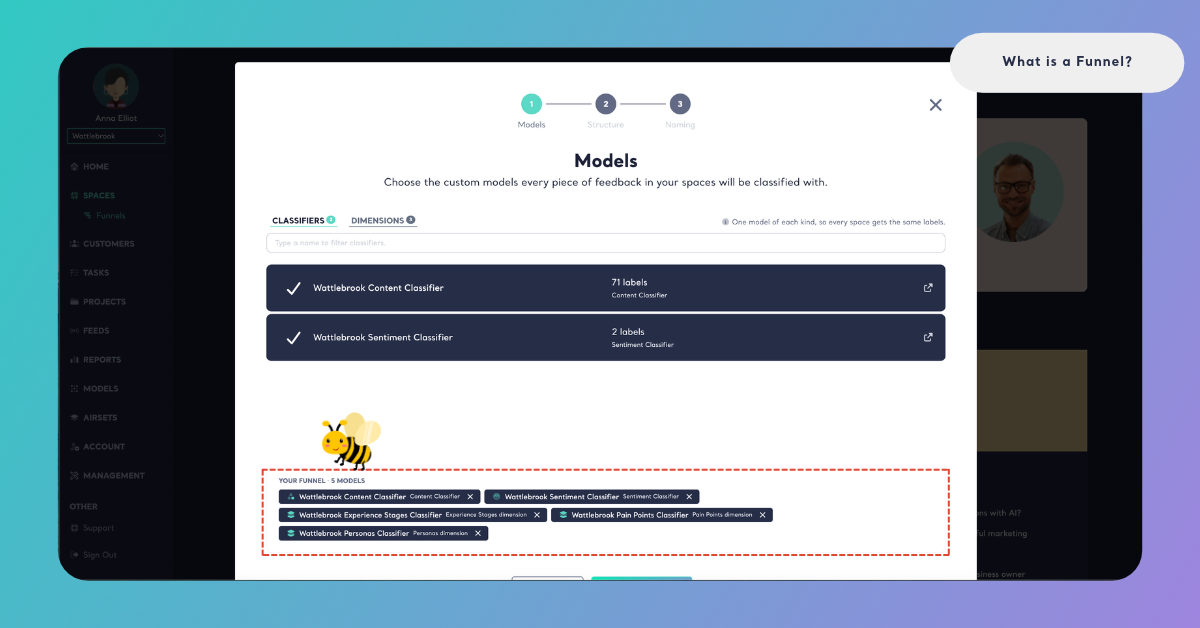
Every model of a Funnel is a custom model: a model you create in Models, for example from a prompt. If you don't have one yet, the wizard offers Create one in Models. A Funnel takes at most one model of each kind, and none of the kinds is required. The wizard puts it as "One model of each kind, so every space gets the same labels":
- Content classifier. Sorts every piece of feedback into the themes that matter to your business, such as Delivery Time or Payment Options. When its labels are grouped into categories, a Space shows its themes by category. Without a content classifier, a Space has no themes to show or score.
- Sentiment classifier. Tells whether each piece of feedback is positive or negative. A Space's NPS is calculated from it: the share of positive feedback minus the share of negative feedback, from −100 to 100. Without a sentiment classifier, a Space has no NPS. See How NPS Is Calculated in Spaces.
- Dimensions. A Dimension asks one research question of every piece of feedback, such as Pain Points ("What goes wrong or creates difficulty?") or Personas ("Who is experiencing this?"). A Funnel can hold several Dimensions, one of each kind, for example Pain Points, Experience Stages and Personas. See Add Dimensions to a Funnel.
As you add models, the wizard lists them under Your Funnel, and the Funnels list later shows each Funnel with its models counted, for example "2 classifiers, 3 dimensions".
Every model and every Dimension you add uses queries: queries = rows × models × Dimensions. See How to Calculate Queries.
Structure
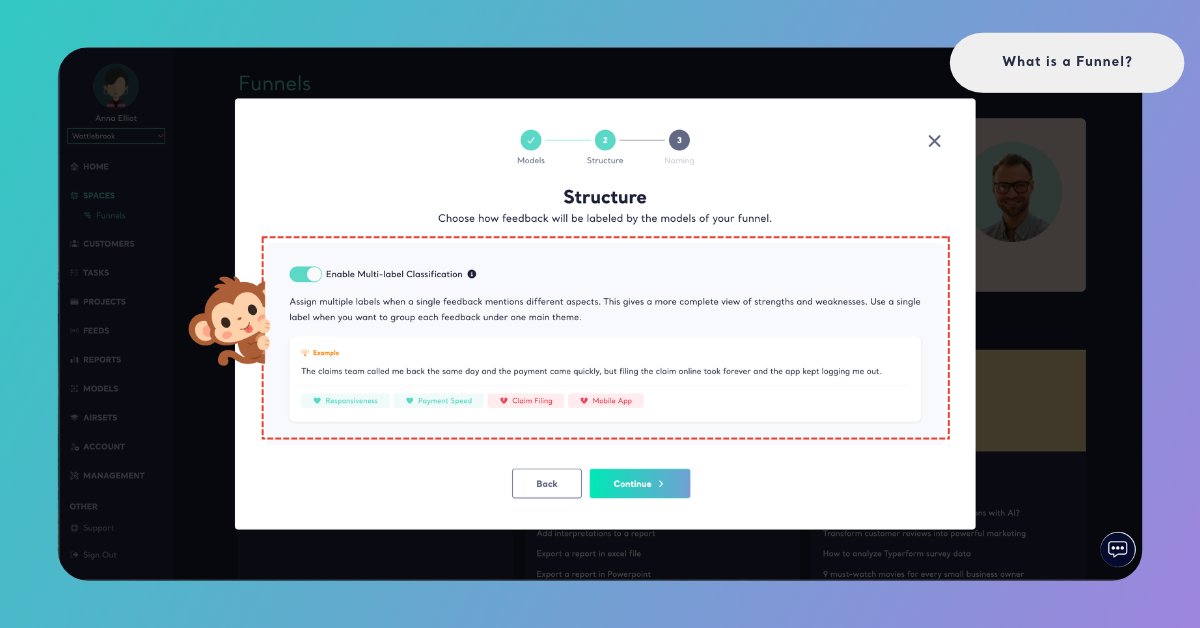
The Structure step decides how the models of the Funnel label feedback. With Enable Multi-label Classification, one piece of feedback can get several labels when it mentions different aspects, which gives a more complete view of strengths and weaknesses. With a single label, every piece of feedback is grouped under one main theme.
Take this review of an online store: "The courier was friendly and my refund came quickly, but the checkout page kept freezing and the app logged me out twice." With multi-label, it gets Courier Service, Refund Speed, Checkout and Mobile App. With a single label, it gets Online Shopping Experience. See Multi-Label vs. Single-Label Classification.
Name and Language
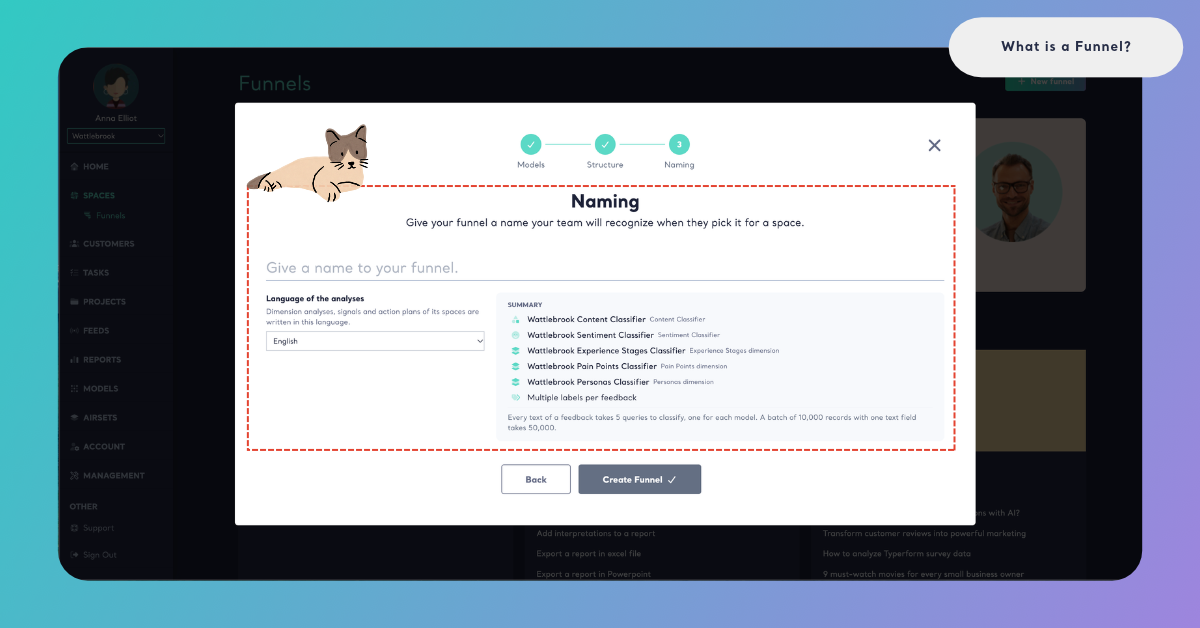
In the Naming step, you give the Funnel a name your team will recognize when they pick it for a Space, and you choose the Language of the analyses: English, Spanish, French, German, Portuguese, Dutch or Turkish.
The language decides what Kimola writes for the Spaces of the Funnel: Dimension analyses, Signals, Insights, Action Plans and the drafts of Tasks. When you write an Action Plan from a Space, its output language starts as the Funnel's language and you can change it in the wizard. The feedback itself can be in any of the 30+ languages Kimola analyzes; the Funnel's language only sets the language of what Kimola writes.
Funnels and Spaces
A Funnel belongs to your whole team. Everyone in the team sees the same Funnels and can pick any of them for a Space. There is no default Funnel: the first step of creating a Space is choosing its Funnel ("Choose the funnel your feedback will be classified with. Spaces with the same funnel speak the same language."). A Space keeps the Funnel it was created with, so every file it receives is classified with the same models. See Create a Space.
Several Spaces can share one Funnel, and sharing a Funnel is what makes them comparable. A theme that comes up in a Call Center Space and in a Social Media Space is found by the same model in both, with the same name and the same meaning. Home reads all your Spaces together, and Customers and Departments read feedback across Spaces, so they are clearest when your Spaces share a Funnel.
If your team has no Funnel yet, the Funnels page says "One language for all your feedback" and offers Create a Funnel. Once you have Funnels, the page lists them with New funnel at the top, and each Funnel offers Edit and Delete. A Funnel used by a Space can't be deleted, and deleting a Funnel keeps its models in Models. See Manage Funnels.
Editing a Funnel changes nothing in the past: feedback that is already classified keeps its labels, and files added after the change are classified with the edited Funnel.